
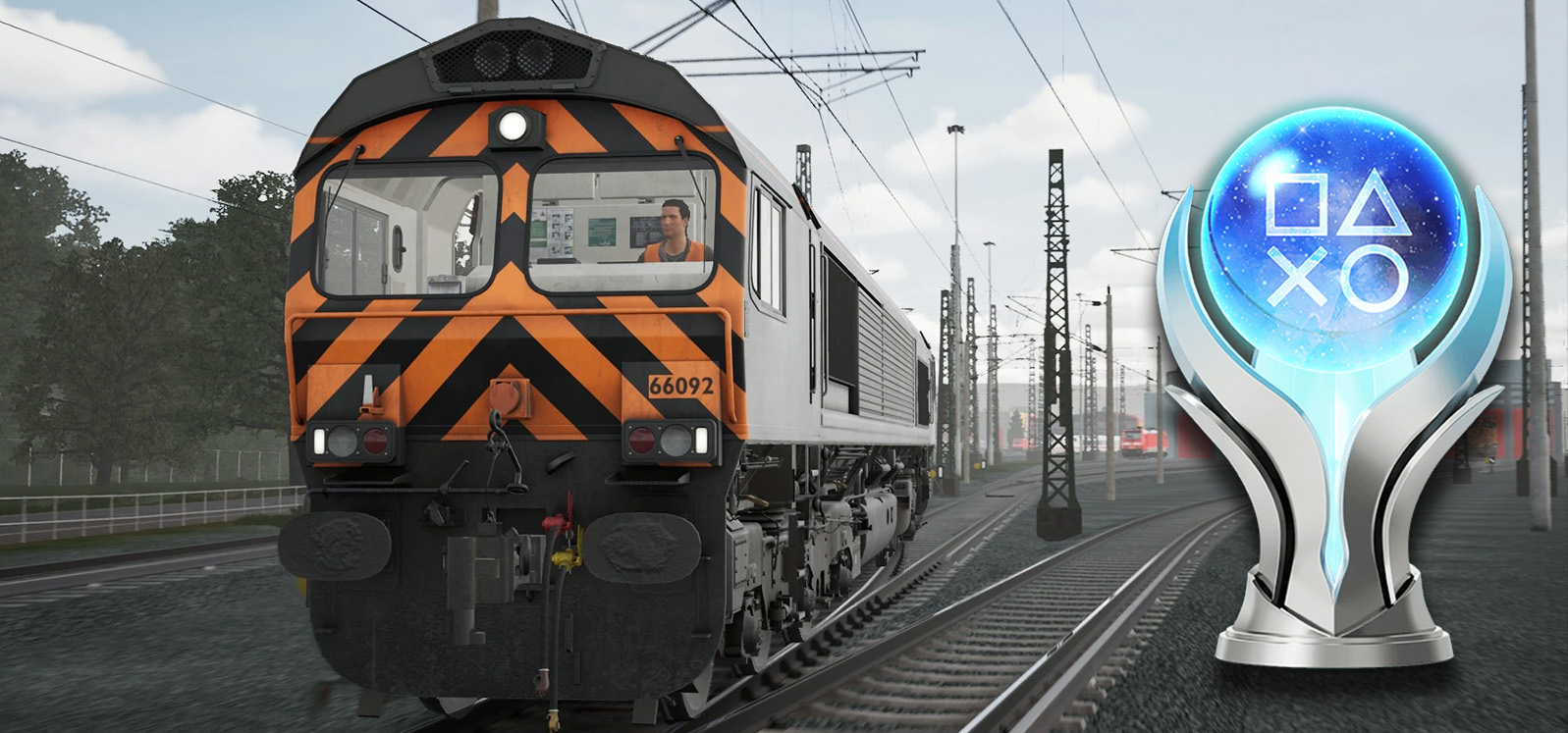
Train Sim World 7

Trophy Guide & Roadmap

If you prefer to watch a video instead of reading the guide, feel free to do so. There is a playlist that covers every trophy on my YouTube channel. If you'd like and subscribe or even become a member, it would mean a lot to this channel!

Step 1 - The Training Modules

The Free Starter Edition is enough for the platinum and we don't need an internet connection or a Dovetail Live account for any of the trophies. We will use the TTC Class 66 and the Training Center map, both are part of the free edition. In this step we complete four Training Modules / Tutorials and take our first photo, which also gets us to Driver Level 2.

TSW7: Freshman
Complete 1 Training Module
Complete any Training Module or Tutorial. You will get this one on the way to TSW7: Graduate, so please refer to that trophy.
TSW7: Graduate
Complete 4 Training Modules
We need four Training Modules or Tutorials in total. The quickest ones are the Basics tutorials (Training Center - Tutorials - Basics) which take about 5 minutes each: Camera Controls, Heads Up Display (HUD) and Navigation & Interaction. If you are new to the series, replace one of them with the Diesel Introduction of the TTC Class 66. We will use this locomotive for the rest of the guide. Navigation & Interaction also gives us one of the 20 route tasks for TSW7: Taskmaster. The trophy pops after the fourth one, TSW7: Freshman and TSW7: First Step usually pop along the way.
TSW7: First Step
Reach Driver Level 2
We need 1000 Action Points (AP) to reach Driver Level 2. This trophy will most likely pop during the tutorials, see TSW7: Graduate. Our current level and progress are shown in the My Profile tab of the main menu.
TSW7: Trainspotting
Capture your first photo using the Photo Mode
This can be done at any time in the Training Center map, on foot or in a train. Open the pause menu, go to Options and select Photo Mode. Take a picture and the trophy pops right away.

Step 2 - The Livery Designer

Time to get creative. Both trophies of this step can be earned at the same time. We need the livery in the next step, so it is best to do this first. The Livery Designer is part of the DG Live tab, but works without an internet connection.

TSW7: Artist
Create your first reskin in the Livery Designer
We get this together with TSW7: Livery Layer Leader, so please refer to that trophy.
TSW7: Livery Layer Leader
Use 500 layers in the Livery Designer
We need a livery with 500 layers. Go to the DG Live tab of the main menu, select Creators Club and open the Livery Designer. Pick the TTC Class 66 and open Layers. Add one decal, duplicate it with the copy icon until we have 10 layers and group all 10 of them. Now we can duplicate the group over and over until we reach 500 layers. Save & Exit and both this trophy and TSW7: Artist pop.

We need this livery in the next step for TSW7: Exhibitionist, so don't delete it.

Step 3 - The Route Tasks

This step can be done at any time during the playthrough. With the Training Center map we have everything we need.

TSW7: Taskmaster
Complete any set of route tasks
The route tasks are the collectibles of the game. Each route has at least one set of them and the trophy pops when we complete any set. With the Free Starter Edition we only have the Training Center map, which has one set with 20 route tasks spread around the map. We already got one of them with the Navigation & Interaction tutorial from TSW7: Graduate. Walking around also gives us Action Points, so this goes hand in hand with TSW7: First Step. Once all 20 are collected, the trophy pops.

Step 4 - The Scenario Planner & Custom Scenarios

Now we create our own scenario with the custom livery and play it once on every Player Assist Level. The Scenario Planner is part of the DG Live tab as well and also works offline.

TSW7: Cunning Plan
Create your first scenario in the Scenario Planner
Go to the DG Live tab of the main menu, select Creators Club and open the Scenario Planner. Choose the Training Center map and select Create New. Give the scenario a name and leave "Off The Rails" enabled. Then add a new service and name it. The trophy pops right after confirming the service.

To be able to play the scenario later we still have to finish it:
1. Add New Path and choose Main Loop Track 1 as start marker.
2. Select Main Loop 1 to Switch Line Shunt and then Main Loop West 1 as destination and confirm.
3. Confirm the service and select the TTC Class 66 with the livery from TSW7: Livery Layer Leader.
4. Confirm the selection and Save & Exit.
TSW7: Quality Assurance
Complete 1 of your created scenarios
You get this together with TSW7: Exhibitionist, so please refer to that trophy.
TSW7: Exhibitionist
Complete a scenario using your own created livery
Play the scenario from TSW7: Cunning Plan with our own livery. Open the Scenario Planner in the DG Live tab, select the Training Center map, choose our scenario and press Play. Release the brake and accelerate. We drive anti-clockwise around the Main Loop. Right before the tunnel, pause the game and save in the Options tab. That way we can reload for the difficulty trophies. Stop the train before the marker and the scenario is complete.

This unlocks this trophy, TSW7: Quality Assurance and one of the difficulty trophies, depending on our current Player Assist Level. Please refer to TSW7: Top Link! for the rest.
TSW7: First Success
Complete your first scenario in Beginner Mode
This is one of three difficulty trophies. Please refer to TSW7: Top Link!.
TSW7: Setting the Standard
Complete your first scenario in Standard Mode
This is one of three difficulty trophies. Please refer to TSW7: Top Link!.

Step 5 - The 500 Miles Trophy

The last stop before the platinum. All that is left is driving 500 miles, which also unlocks the other mile trophies. You can do this on our scenario route or any other route of the Training Center.

TSW7: Pathfinder
Drive any locomotive for 5 miles within the speed limit
You will unlock this one on the way to TSW7: Proclaimer, so please refer to that trophy.
TSW7: Score!
Drive any locomotive for 20 miles within the speed limit
You will unlock this one on the way to TSW7: Proclaimer, so please refer to that trophy.
TSW7: Achieving Gold
Drive any locomotive for 50 miles within the speed limit
You will unlock this one on the way to TSW7: Proclaimer, so please refer to that trophy.
TSW7: Centurion
Drive any locomotive for 100 miles within the speed limit
You will unlock this one on the way to TSW7: Proclaimer, so please refer to that trophy.
TSW7: Intuition
Drive any locomotive for 250 miles within the speed limit
You will unlock this one on the way to TSW7: Proclaimer, so please refer to that trophy.
TSW7: Proclaimer
Drive any locomotive for 500 miles within the speed limit
This is the grind of the guide. We need to drive 500 miles within the speed limit and the miles are cumulative, so we can spread them over several sessions. Progress is shown in the Overview section of the My Profile tab.

The easiest way is the TTC Class 66 on the Main Loop of the Training Center map. Its top speed of 89 mph is below the speed limit there, so it can't exceed it. Driving at a constant speed takes roughly 6 hours for 500 miles. We can also use any other route and locomotive, as long as we stay below the speed limit. It is recommended to set the Measurement Units in the HUD & Gameplay settings to Imperial, so that the profile shows miles instead of kilometers.

On the way we unlock TSW7: Pathfinder (5 miles), TSW7: Score! (20), TSW7: Achieving Gold (50), TSW7: Centurion (100) and TSW7: Intuition (250).
TSW7: Key to Success!
Complete all trophies for TSW7